

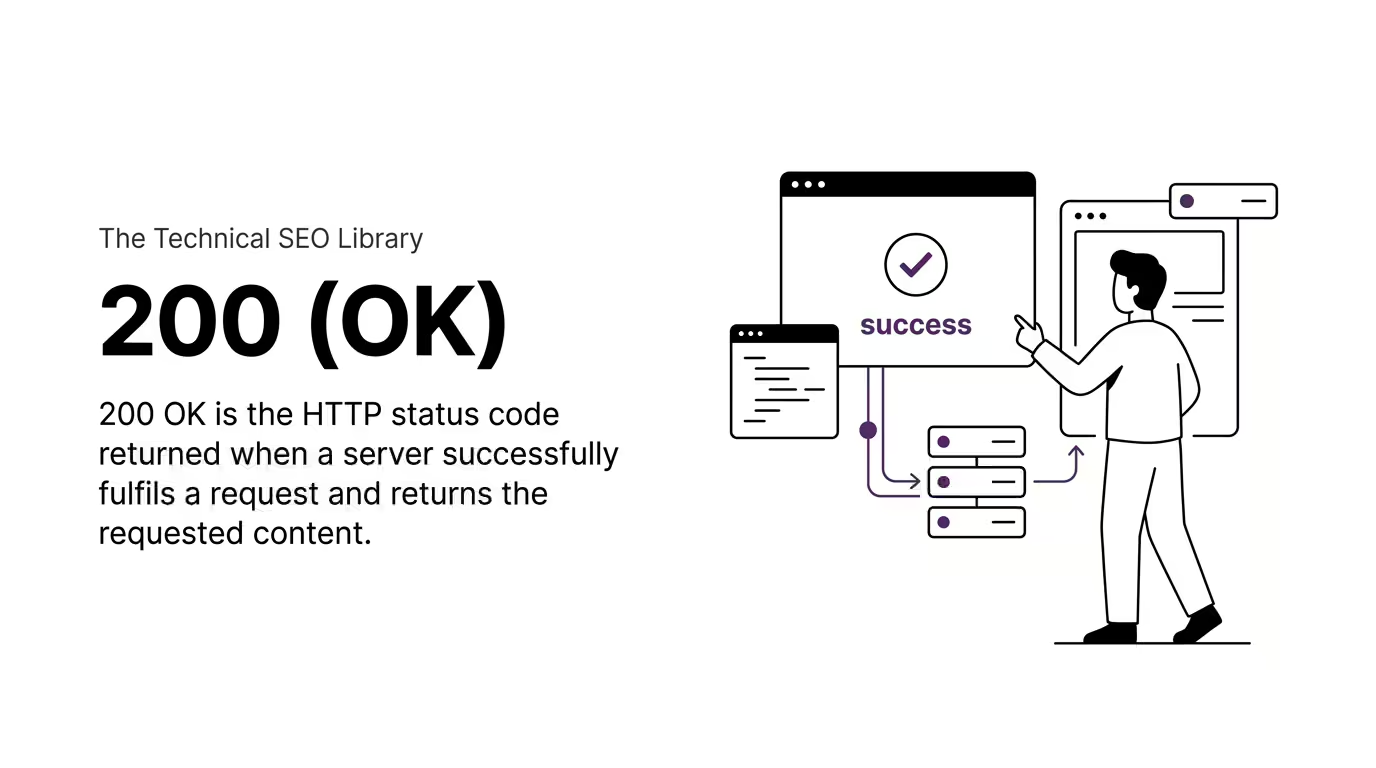
200 OK is the standard HTTP response status code indicating that a request to a server has succeeded. When you visit a working web page, the server returns the requested content along with a 200 OK header to confirm everything went as expected. For technical SEO, 200 OK is the response every indexable page on your site should be returning, and the absence of it (or its misuse) often points to crawl and indexation issues that quietly hurt visibility.
Key Takeaways
A quick view of what 200 OK means and why it matters in technical SEO:
- 200 OK is the HTTP status code returned when a server successfully fulfils a request and returns the requested content.
- Every page on your website that should be indexed by search engines must return a 200 OK status.
- The status code is sent in the HTTP response header, invisible to most users but always read by browsers, search engine crawlers, and AI bots.
- Misuse of 200 OK on pages that should return 404 (called “soft 404s”) is one of the most common technical SEO issues affecting indexation.
- 200 OK is part of the 2xx family of success codes, alongside 201 Created, 204 No Content, and 206 Partial Content.
Understanding 200 OK
Every interaction with the web is a conversation between a client (typically a browser, search engine crawler, or AI bot) and a server. The client requests something. The server responds. The status code is the first line of that response, telling the client whether the request succeeded, failed, or needs follow-up.
200 OK is the success line. It means, “I received your request, I understood it, I have what you asked for, and here it is.” When you load a working web page, refresh a feed, or pull an image, the server is returning 200 OK to confirm the transaction worked.
Most users never see this code because it indicates a successful interaction. You only become aware of HTTP status codes when something goes wrong (404 for missing pages, 500 for server errors, 403 for blocked access). 200 OK is what should be happening, quietly, in the background, on every page that exists and is meant to be served.
When Servers Send 200 OK
A server returns 200 OK when three conditions are met.
- The first condition is that the requested resource exists and can be located on the server. If the URL does not map to an actual file or generated response, the server cannot send 200 OK.
- The second condition is that the server can process the request type. For most page loads, this means a GET request asking for a specific URL. For form submissions and API calls, it could mean POST, PUT, DELETE, or other methods. The server has to support the method being used.
- The third condition is that the response body (the actual content the client asked for) is ready to be sent back. The server packages the HTML, JSON, image data, or other payload and ships it along with the 200 OK header.
If any of these conditions fail, the server sends a different status code instead. Missing pages get 404. Server errors get 500. Authentication failures get 401 or 403.
SEO Implications
For Technical SEO, 200 OK is the desired state of every indexable page on your site. Search engine crawlers like Googlebot, Bingbot, GPTBot, and PerplexityBot use status codes to understand the health and structure of a website. A page returning 200 OK signals that the URL is alive, the content is available, and the page is a candidate for crawling, indexing, and serving in results.
When a crawler hits a 200 OK response, it can proceed to evaluate the content for relevance, quality, and structure. When it hits anything else, the next steps change. A 301 prompts the crawler to follow the redirect. A 404 prompts the crawler to deprioritise or eventually drop the URL. A 500 prompts the crawler to slow down and retry later.
This is why audit tools like Screaming Frog, Ahrefs Site Audit, and Semrush Site Audit check the status code of every URL they crawl. A high proportion of 200 OK responses across important URLs is a sign of a healthy site. A pattern of unexpected status codes, especially soft 404s, is a sign that something needs fixing.
Beyond traditional search engines, AI search engines now make heavy use of crawl logs and status codes too. Your llms.txt file matters less if your indexable pages are not returning clean 200 responses to AI crawlers in the first place.
Common Misuse: Soft 404s
The most frequent misuse of 200 OK in technical SEO is the soft 404.
A soft 404 occurs when a page returns a 200 OK status but contains content that effectively says the page does not exist. This typically happens when a website has a custom “not found” template that the server serves with a 200 status rather than a proper 404 status.
For example, a user requests yourdomain.com/old-product/. The product has been removed. The site loads a friendly “sorry, this page is no longer available” template with the site header, footer, and a search box. From the user’s perspective this is fine. From the server’s perspective, the response was 200 OK, which tells search engines the URL is still a valid, live page worth indexing.
Soft 404s waste crawl budget, dilute site authority, and confuse search engines about which pages are real and which are placeholders. Google Search Console specifically flags soft 404s under its Coverage report, and fixing them is one of the most common technical SEO recommendations.
The fix is to ensure that pages which no longer exist or no longer have content return a true 404 Not Found status, or a 410 Gone status if the removal is permanent.
200 OK vs Related Status Codes
Several other status codes can also indicate a successful interaction, and understanding the differences matters in technical SEO contexts.
200 OK vs 201 Created
201 Created is returned when a new resource has been successfully created on the server, typically after a POST request. You will rarely see 201 in standard web browsing, but it is common in API responses. 200 OK is the default success code for retrievals. 201 is the specialised success code for creation.
200 OK vs 204 No Content
204 means the request was successful, but the server has nothing to return. This is used in some API interactions where the client only needs confirmation, not data. Web pages should not return 204.
200 OK vs 304 Not Modified
304 is sent when the client (browser or crawler) asks, “Do you have an updated version of this resource?” And the server responds, “No, your cached version is still current.” Both signals are successful, but only the 200 OK includes the full response body. 304 saves bandwidth by reusing the client’s cached copy.
200 OK vs 301 or 302
A redirect is also technically a successful interaction in the sense that the server understood the request. But the response is not the content itself. It is a pointer to a different URL. Crawlers follow the redirect to find the actual content, which they expect to be served with 200 OK at the destination.
Common Misconceptions
Even experienced developers and SEOs carry misunderstandings about 200 OK. Two are worth clearing up.
“200 OK means my page is healthy.”
Not quite. 200 OK means the server successfully sent a response. It says nothing about the quality of the content, whether the page is duplicated, whether it has indexability issues, whether it loads fast enough to be crawled, or whether it will be indexed. A completely broken page (blank, malformed, or scraped content) can still return 200 OK.
“If my page returns 200 OK, it will be indexed.”
False. 200 OK is necessary for indexing but nowhere near sufficient. Google’s indexing decision involves dozens of additional signals: content quality, canonical tags, robots.txt rules, meta robots directives, internal linking, crawl budget, and many more. A 200 OK page can still be excluded from the index for any of these reasons.
Frequently Asked Questions
A few specific questions about 200 OK come up often enough to be worth answering directly.
How do I check whether a page is returning 200 OK?
The simplest way is the network tab in your browser’s developer tools. Open the tools, refresh the page, and look at the status column for your main document request. Tools like Screaming Frog, Ahrefs Site Audit, Semrush Site Audit, and HTTPie also report status codes for every URL they crawl.
Should every page on my site return 200 OK?
No. Only the pages you want indexed and visible should return 200 OK. Pages that have been removed should return 404 (or 410 if removal is permanent). Pages that have moved should return 301. Pages requiring authentication should return 401 or 403. The status code should match the actual state of the URL.
Can a page that returns 200 OK still rank poorly?
Yes. 200 OK is just the starting point. Content quality, page experience, the site’s overall authority, user signals, and many other factors determine ranking. 200 OK is the baseline, not the ceiling.
What’s the difference between a soft 404 and a real 404?
A real 404 returns the actual 404 Not Found status code in the HTTP response header. A soft 404 returns a 200 OK status, but the page content looks like a “not found” message. Search engines treat the two differently. Real 404s are clean signals to drop a URL. Soft 404s are confusing signals that often lead to indexation problems.
Are 200 OK responses logged by AI crawlers?
Yes. GPTBot, PerplexityBot, ClaudeBot, and other AI crawlers record the status codes they encounter just like traditional search engine crawlers do. Server log analysis can show you which of your pages each AI bot is fetching successfully, which is one of the most useful diagnostics available for AI Search visibility.
« Back to Glossary Index