


Part of the SiteMap Series
In the last lesson, we settled on a simple definition. A sitemap is a list of URLs you give to search engines so they know what exists on your site. That definition is the foundation for the whole series, but it describes what a sitemap does, not the different shapes it can take.
Because there isn’t just one kind. There are several, and they share the same underlying purpose but differ in how they’re written, who they’re written for, and what kinds of content they’re designed to surface. Knowing the landscape upfront makes everything that follows in the series easier to grasp.
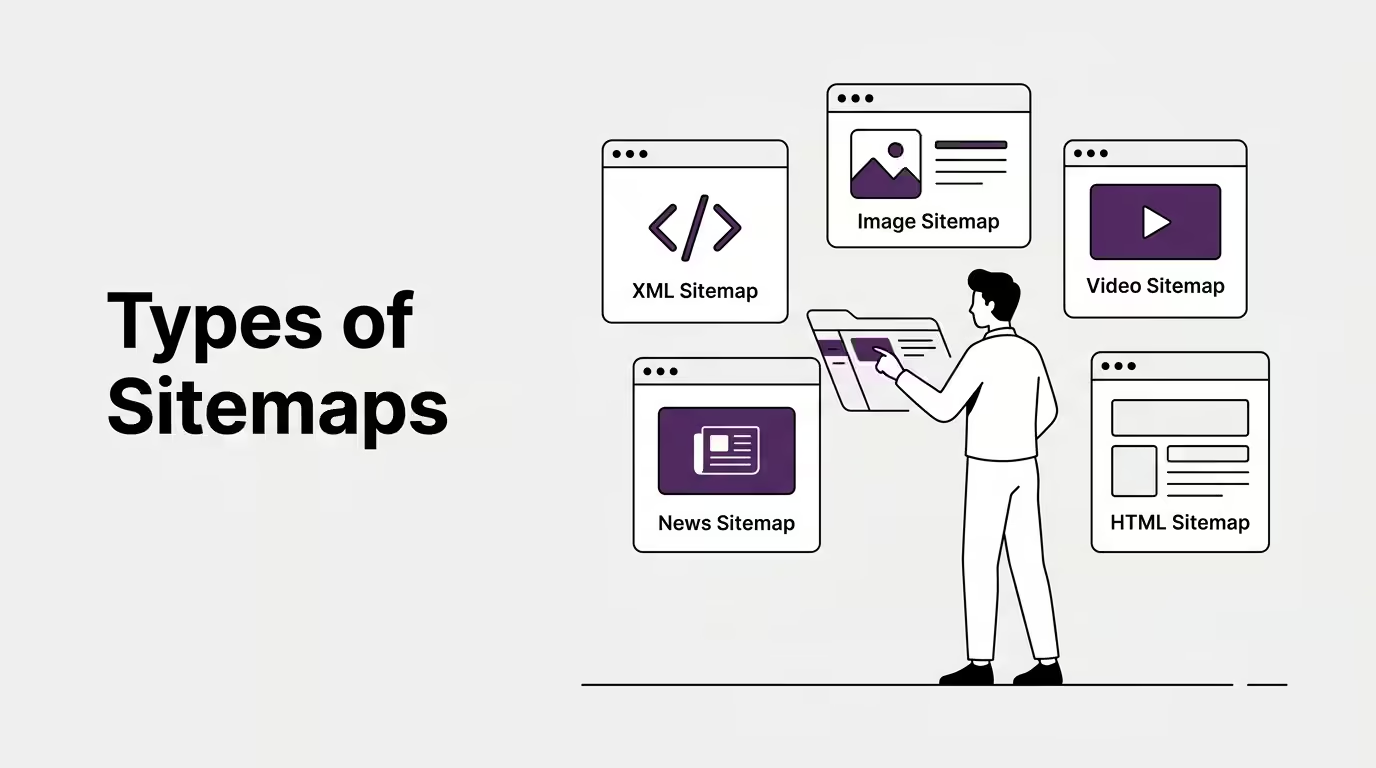
This lesson is a quick tour. We’ll walk through each type of sitemap, what it does, and roughly when it matters. Don’t worry about memorising every detail. The point here is to give you a mental map of the territory, so that later lessons (where we dig into specific types properly) don’t feel like they’re appearing out of nowhere.
Before we name the different kinds, it’s worth a quick word on what we actually mean by “type” in this context.
What “type of sitemap” actually means
The word “type” can slice in two directions, and people often blur the two when talking about sitemaps.
One direction is the format the sitemap is written in: XML, HTML, plain text, RSS, Atom. The other direction is the kind of content the sitemap covers: pages, images, videos, news articles. Most lists you’ll find online mix these two axes together and call all of them “types”, which is fine for everyday purposes but slightly muddled if you’re trying to build a clean mental model.
For this lesson, we’ll do the same thing other articles do, because that’s how people actually talk about it. But it’s worth knowing the distinction exists. Some types are about format. Some are about content scope. A few are both.
With that out of the way, let’s walk through them.
1. The XML-based types
The most common types are all built on the XML format, which makes sense because XML is the format used by the official sitemaps.org protocol that search engines all agreed to back in 2005. When most SEOs talk about sitemaps, they’re almost always talking about one of these.
Standard XML sitemap
The standard XML sitemap is the one we looked at in Lesson 1. It’s a list of URLs on your site, each with optional context like the date the page was last modified. It’s what almost every website starts with, and for many sites, it’s the only sitemap they ever need. If you’ve heard the word “sitemap” in an SEO context, this is almost always what was meant.
Sitemap index file
The sitemap index file is a special kind of XML sitemap that doesn’t list URLs directly. Instead, it lists other sitemap files. If you have a large site with thousands of pages, your full URL list might exceed the size limits set by the protocol (we’ll cover those limits later in the series). To work around that, you split your URLs across several sitemap files, then create one index file that points to all of them. Search engines read the index first, then fetch each individual sitemap. For small to medium sites, you’ll never need an index file. For large sites, it’s essential.
Image sitemap
The image sitemap extends the standard sitemap to include information about the images on each page. It’s the same basic XML format, just with extra fields specifically for image URLs, captions, and licensing information. If you run a site where images themselves are valuable content (a photography portfolio, a stock image library, a recipe blog with original photos), an image sitemap helps search engines understand and surface those images in image search results. For most sites, where images are decorative or illustrative, regular sitemap entries and good image SEO do the job.
Video sitemap
The video sitemap does the same job for video content. It includes structured information about each video on your pages: the title, the description, the thumbnail URL, the duration, the publication date. If you self-host videos that you want appearing in Google’s video search results, a video sitemap gives Google what it needs to surface them properly. YouTube handles this automatically for videos hosted on YouTube. If you embed your own videos directly on your site, this is on you.
News sitemap
The news sitemap is the most specialised of the XML family and the most restrictive in who can use it. It’s designed for publishers who have been approved by Google as part of Google News. The format includes time-sensitive fields specific to news articles, like the publication date and language. Unless you actually run a news site that’s been admitted into Google News, this type doesn’t apply to you. I mention it here so you recognise the name when you see it referenced elsewhere, not because most readers of this series will ever need to create one.
That covers the XML family. The next type sits in a slightly different category and is worth pulling out separately.
2. The HTML sitemap
The HTML sitemap doesn’t quite belong with the rest, and it’s worth being honest about that.
Strictly speaking, an HTML sitemap isn’t really a sitemap in the way the sitemaps.org protocol defines one. It’s a regular web page on your site, written in HTML like any other page, containing a list of links to other pages and designed for human visitors to use as a navigation aid. It shares the word “sitemap” with the XML family, but it does a completely different job, lives in a different place, and serves a different audience.
We’ll spend the next lesson properly on the XML versus HTML distinction, because that’s where most foundational confusion happens. For now, what you need to take away is that the HTML sitemap is a “type” of sitemap by common usage rather than by official protocol. It earns a place in any list of sitemap types because that’s how people talk about it, but it sits in a slightly different category from everything else in this lesson.
3. The text-based variants
Beyond XML and HTML, there are a few text-based formats that can also act as sitemaps, even though most people don’t think of them as such.
Plain text sitemap
The plain text sitemap is exactly what it sounds like. It’s a .txt file containing one URL per line, with nothing else around it. No XML wrapping, no formatting, no metadata. Search engines accept this format and read it as a basic sitemap. You lose the ability to specify things like last-modified dates, which is the main reason XML wins in most cases, but for small sites or for quick one-off submissions, a plain text sitemap is faster to write and gets the job done.
RSS and Atom feeds
RSS and Atom feeds can also be submitted as sitemaps, which surprises a lot of people. If your blog already publishes an RSS feed, that feed can double as a sitemap, because it already contains a list of URLs to your most recent posts. Google explicitly accepts both RSS and Atom feeds through its sitemap submission interface. The limitation is that feeds usually only include recent content, so they don’t cover your full archive the way a proper sitemap does. But for keeping search engines updated on new content as it gets published, a feed does the job.
These text-based variants matter less than the XML family in everyday practice, but they exist and they’re useful to know about. If you’re working with a system where generating proper XML is awkward, the plain text option is sometimes the path of least resistance.
A note on mobile sitemaps
There’s one more type worth mentioning so you don’t get confused if you come across it: the mobile sitemap.
Mobile sitemaps were a separate type designed for mobile-specific URLs back when many websites maintained separate desktop and mobile versions, the era of example.com for desktop and m.example.com for mobile. The mobile sitemap helped search engines understand which URLs served which audience.
Google deprecated mobile sitemaps in 2018, when the shift to mobile-first indexing made the distinction redundant. Today, all serious sites are responsive, meaning a single URL serves both desktop and mobile users with appropriately rendered content. The mobile sitemap is no longer used, and Google’s documentation explicitly says to ignore it.
I’m flagging it here because you’ll occasionally see it listed in older articles or in outdated “types of sitemap” lists that haven’t been updated. If you come across someone recommending a mobile sitemap, that advice is several years out of date.
Which types actually matter for most sites
That’s the full landscape. Now for the practical takeaway, because not all of these will matter to you.
For nearly every site, the standard XML sitemap is the only type you genuinely need to think about. It covers the discovery job a sitemap is meant to do. If your site fits inside a single sitemap file (under 50,000 URLs, which is most sites), the standard XML sitemap on its own is all you need.
If your site grows large enough to exceed the size limits, you’ll add a sitemap index file to bring multiple sitemap files together. That’s a Module Two question, but it’s worth knowing the term exists so you’re not caught out when it comes up.
If your site contains images or videos that are themselves valuable content rather than decoration, an image or video sitemap can be worth adding on top of the standard one. For most sites, where visual content is supporting material rather than the main offering, the standard sitemap is enough.
The HTML sitemap is optional for almost everyone, and we’ll work out whether you specifically need one in the next lesson.
News sitemaps don’t apply unless you’re a Google News publisher. Mobile sitemaps don’t apply to anyone any more. Plain text sitemaps and RSS feeds are nice to know about, but they’re rarely the path most people take.
The summary rule of thumb: standard XML sitemap for nearly everyone, with the other types stepping in only when the situation specifically calls for them. That’ll keep you out of trouble for the vast majority of cases.
Where this leaves us
That’s the full landscape of sitemap types. For most sites, the standard XML kind is the only one that matters. The others are situational, each solving a specific problem that doesn’t apply to most websites. Knowing the landscape upfront means you can confidently skip the variants that don’t apply to your site rather than wondering whether you’re missing something.
In the next lesson, we’ll spend proper time on the XML versus HTML distinction, because that’s where most foundational confusion happens. They sound similar, they share the word, but they do completely different jobs. Once that’s clear, the rest of Module One moves quickly.
Up next: XML Sitemap vs HTML Sitemap: Which One Do You Need? →
This is Lesson 2 of The Sitemap Series, a Technical SEO series on sitemaps from first principles, built for the AI Search era.
I really appreciated the breakdown of when to use image, video, or news sitemaps. It makes me think about how often smaller sites actually need these specialized sitemaps versus sticking with a standard XML sitemap. The distinction between sitemaps for search engines and those for human visitors is also a helpful reminder.